






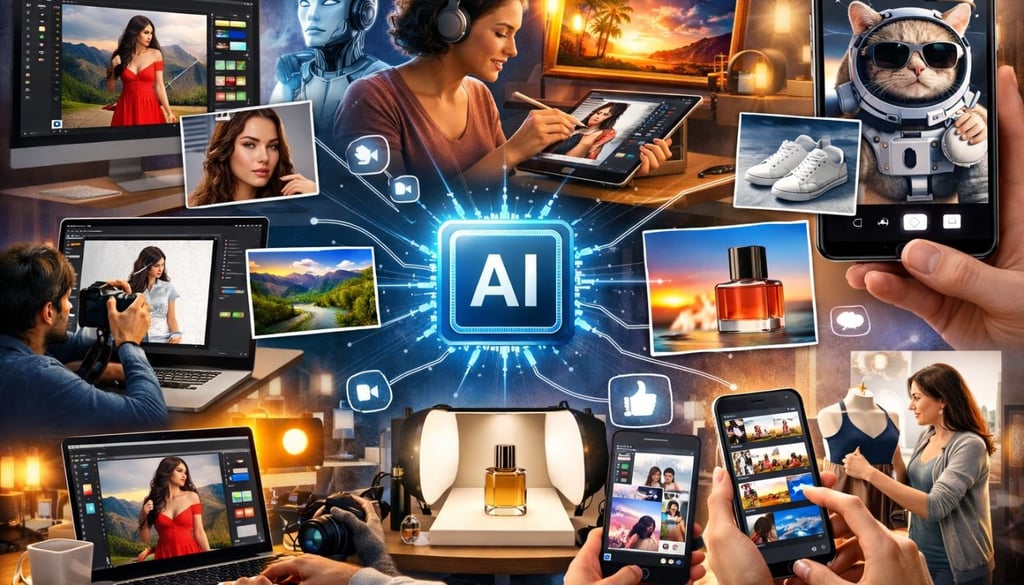


AI image editing used to feel like magic. Now, it feels normal — and that’s the real magic.
Whether you’re fixing a portrait, swapping a sky, or turning a rough idea into a polished visual for social media, today’s AI-powered platforms make it easier than ever to edit and instantly share your work. But not all tools are built the same. Some focus on deep professional control. Others are designed for speed, simplicity, and one-click publishing.
I tested dozens of platforms to bring you this list. Some made me say “wow.” Others made me say “meh.” These 8 made the cut.
- Adobe Photoshop (with Firefly AI): Best overall for professionals who need absolute perfection
- Canva (Magic Studio): Best for small business owners and social media managers who need speed
- Luminar Neo: Best for creative photographers and visual storytellers
- Pixlr: Best for students and hobbyists who need a powerful, free web editor
- Fotor: Best for quick fixes and casual editing
- Topaz Photo AI: Best for improving image quality
- Picsart: Best for mobile creators who want trendy, artistic edits for social media
- Photoroom: Best for small business owners and e-commerce sellers
Adobe Photoshop (with Firefly AI): Best overall for professionals who need absolute perfection
Adobe remains the heavyweight champion for a reason. By integrating its Firefly AI directly into the classic Photoshop interface, it has combined old-school precision with new-school capabilities.
The standout feature here is Generative Fill, which lets you highlight an area and type in what you want to appear. The platform also includes Neural Filters, AI-powered object selection, and advanced masking tools, making it ideal for refining AI-generated images to a professional level.
Because Firefly is trained on Adobe’s own massive library of stock images, it is one of the few tools that is completely safe for commercial use. You don’t have to worry about copyright issues when using AI-generated elements for a client project. While it has a steeper learning curve than a mobile app, it offers a level of professional polish that is still hard to beat.
Canva (Magic Studio): Best for small business owners and social media managers who need speed
Canva has grown from a simple template site into a powerhouse for anyone who needs to create content fast.
Its Magic Studio tools allow users to remove backgrounds, replace objects, expand images, or apply quick enhancements without technical skills. It is arguably one of the best tools for social media because it combines editing with direct sharing. You can edit a photo, slap it onto a template, and send it straight to Instagram or TikTok without leaving the tab.
Beyond editing, Canva offers templates, text tools, and design layouts, making it a complete content creation platform. The free version is generous, but some advanced AI features require Canva Pro. While the quality isn’t quite at Photoshop’s level, it’s perfect for fast, everyday content.
Luminar Neo: Best for creative photographers and visual storytellers
Luminar Neo is what happens when you build a photo editor from the ground up, specifically for AI. Tools like Sky AI, Relight AI, and Portrait AI allow users to transform images with minimal effort. If a portrait is too dark, you use the Relight AI slider to brighten the subject without washing out the background.
What makes it unique is its one-time purchase option, which is a breath of fresh air in a world of endless subscriptions. It also processes images locally on your computer. This means your photos stay private and don’t get uploaded to a cloud server, which is a major plus for anyone worried about data security.
Pixlr: Best for students and hobbyists who need a powerful, free web editor
If you want the power of Photoshop but don’t want to install any software, Pixlr is the answer. It’s a browser-based editor that has been a favorite for years, and its AI updates are impressive. It offers a “Photoshop-lite” experience, giving you layers and advanced tools but keeping them simple enough to run on a basic laptop.
Its AI tools focus on the core editing features: background removal, object erasing, and generative fill. While the free version is supported by ads, it remains one of the most capable tools for anyone who needs to do a quick edit on a public computer or a work laptop.
Fotor: Best for quick fixes and casual editing
Fotor is the Swiss Army Knife of quick photo fixes. It doesn’t try to be a professional darkroom; instead, it focuses on making you and your photos look better online. It has specialized AI tools for “makeup” and “skin retouching” that are surprisingly realistic. If you need to fix a profile picture or change your outfit in a photo, Fotor makes it a three-click process.
It also includes a solid AI image generator, so you can create art from scratch. Because it’s so focused on social media, it includes direct sharing to most major platforms. It’s less about editing and more about beautifying.
Topaz Photo AI: Best for improving image quality
Topaz Photo AI specializes in technical enhancement rather than creative editing. It uses AI to denoise, sharpen, and upscale images, making it ideal for refining low-resolution or imperfect AI-generated visuals. The software runs locally on your computer and includes an Autopilot feature that automatically suggests improvements.
Picsart: Best for mobile creators who want trendy, artistic edits for social media
Picsart is the undisputed king of mobile AI editing. It’s designed for the generation that does everything on their phones. It’s loud, colorful, and packed with trendy AI tools like AI Replace, which lets you swap out a boring background for a neon cityscape or a forest with just a prompt. It’s more of a creative playground than a traditional editor.
The platform also acts as a social network, allowing you to share your edits and see how others created theirs. It has a massive library of stickers and filters that are constantly updated to match current internet trends.
Photoroom: Best for small business owners and e-commerce sellers
Photoroom is a specialized tool with a very specific mission: making products look like they were shot in a professional studio. Photoroom focuses on creating clean, professional product images. Its AI background remover produces accurate cutouts, and users can generate new backgrounds or edit multiple images at once using batch tools.
The free plan adds a watermark, while the Pro version unlocks higher-quality exports and bulk editing features. It’s especially useful for online sellers who need polished visuals quickly.
Also read: Before you publish, learn to spot AI-generated images that slip past a quick glance.