








AI chatbots no longer feel like variations of the same product. Some are built for research and citations, others reach directly into workplace software, and a few focus on coding, social media, or access to multiple AI models.
Choosing among them depends on what you expect the assistant to do after the first prompt. A researcher tracing sources has different needs from a developer working through a large codebase.
I selected ten of the best AI assistants for distinctly different kinds of work. Each pairs its models with a different set of tools and integrations, with pricing and deployment options that can also shape the choice.
- AI chatbots at a glance
- How I chose the best AI chatbots
- ChatGPT: Best for all-purpose AI assistance
- Claude: Best for complex knowledge work and coding
- DeepSeek: Best for budget-conscious technical work
- Google Gemini: Best for Google apps and multimodal work
- Grok: Best for X and real-time social information
- Meta AI: Best for social media and Meta apps
- Microsoft Copilot: Best for Microsoft 365 work
- Mistral Vibe: Best for enterprise control and private deployment
- Perplexity: Best for source-backed web research
- Poe: Best for access to multiple AI models
- Choosing the right AI chatbot
- Picking an assistant for the work ahead
AI chatbots at a glance
AI chatbot | Best for | Price | Why it stands out |
| ChatGPT | All-purpose AI assistance | Free; paid from $8/month | Combines research, writing, coding, files, images, and agent tools |
| Claude | Complex knowledge work and coding | Free; paid from $20/month | Strong coding, long-form analysis, document work, and agent capabilities |
| DeepSeek | Budget-conscious technical work | Free chat; API usage-based | Low-cost model access with a strong coding and reasoning focus |
| Google Gemini | Google apps and multimodal work | Free; paid from $4.99/month | Deep Google ecosystem connections and broad multimodal capabilities |
| Grok | X and real-time social information | Free; paid from $30/month | Direct access to current information from X alongside web search |
| Meta AI | Social media and Meta apps | Free | Works across Meta's social and messaging platforms |
| Microsoft Copilot | Microsoft 365 work | Free Copilot; Microsoft 365 Copilot from $30/user/month | Extends AI into Word, Excel, PowerPoint, Outlook, and Teams |
| Mistral Vibe | Enterprise control and private deployment | Free; paid from $14.99/month | Combines work and coding tools with private deployment options |
| Perplexity | Source-backed web research | Free; paid from $20/month | Builds web search and visible citations directly into answers |
| Poe | Access to multiple AI models | Free; paid from $4.99/month | Offers models from several major AI providers through one service |
How I chose the best AI chatbots
To find the best AI chatbots in 2026, I looked at what each chatbot can actually do today, how much it costs, where it fits into existing workflows, and what current performance evidence shows about its strengths.
Different large language models are built for different kinds of work, so the models available inside each assistant also shaped the picks.
Each chatbot also needed a distinct reason to be here. I considered how useful it is for everyday or professional work, along with privacy, business controls, deployment choices, and what users get on free versus paid plans.
ChatGPT: Best for all-purpose AI assistance

ChatGPT has evolved from a conversational assistant into a general-purpose AI workspace. OpenAI's GPT-5.6 models in the AI tool support coding, research, knowledge work, computer use, and longer multi-step tasks, with access varying by plan.
Much of its value now comes from how those capabilities connect. Search and Deep Research can bring current information into a project, while file analysis and coding tools let users keep working with the same material without moving to another service. Creative tools extend the workflow further, making ChatGPT more than just a chatbot built mainly to answer questions.

Standout features
- GPT-5.6 model access depending on plan
- Web search and Deep Research
- File uploads and data analysis
- Image understanding and generation
- Voice conversations
- Projects, memory, coding, and agent tools
Pricing
- Free: $0 with usage limits
- Go: $8 per month
- Plus: $20 per month
- Pro: $100 or $200 per month depending on usage level
- Business: $25 per user monthly or $20 per user monthly with annual billing
- Enterprise: Custom pricing
Visit ChatGPT’s pricing page for more details.
Pros and cons
Pros | Cons |
| Covers a wide range of professional and creative tasks | Advanced models and tools have plan-specific limits |
| Research, files, images, voice, and coding live in one product | Heavy users may need substantially more expensive Pro tiers |
| Free access covers many everyday tasks | Highest-end GPT-5.6 access is reserved for paid plans |
Our verdict: Choose ChatGPT if your work changes throughout the day and you want one assistant that can move from research into writing, coding, file analysis, or creative work. I would start here when no single workplace ecosystem dictates the choice.
Developers who mainly want a dedicated coding partner should compare ChatGPT and GitHub Copilot. Google Workspace and Microsoft 365 users may prefer assistants built more directly into those environments.
Claude: Best for complex knowledge work and coding

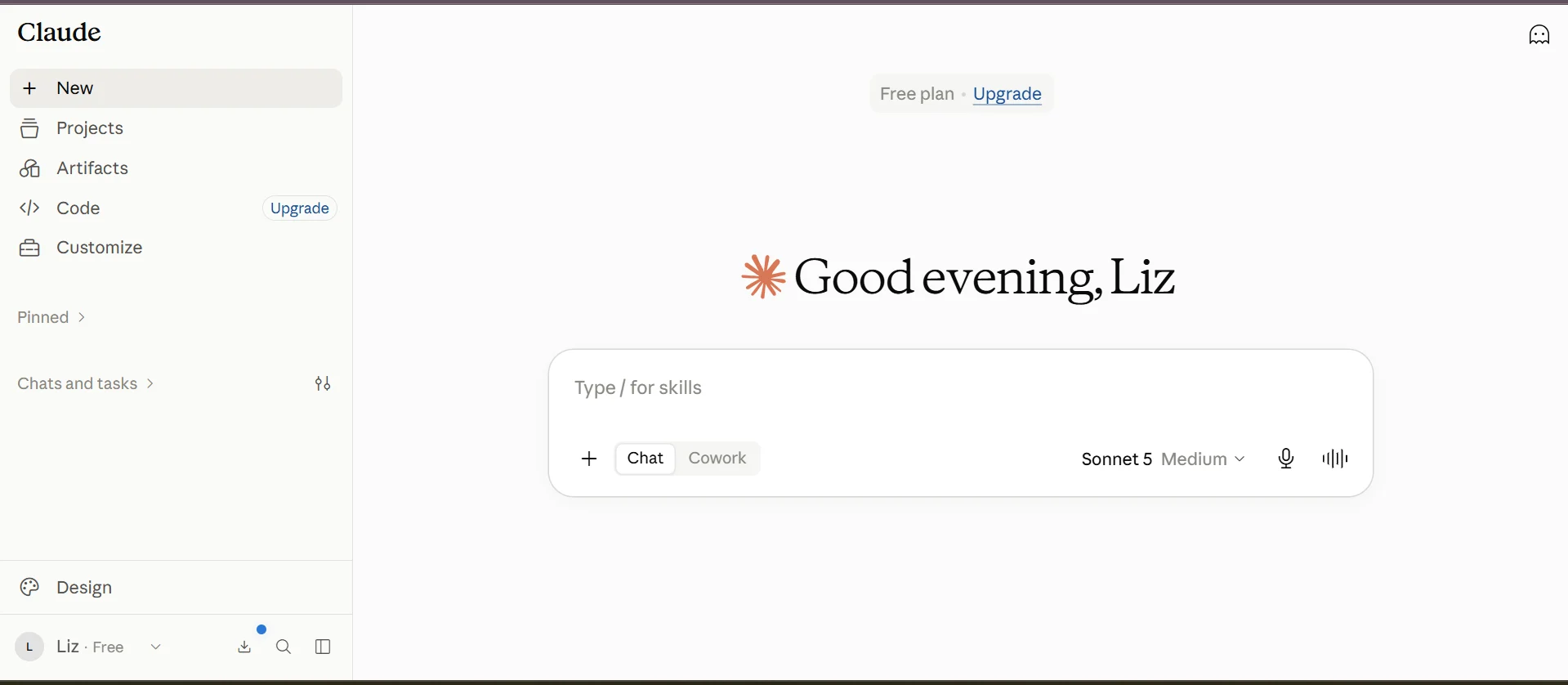
Claude is especially useful when work stretches across multiple steps, documents, or coding sessions. Sonnet 5 can reason through code, plan tasks, use tools, and interact with browsers or terminals, so it can stay involved as a project develops.
For harder technical work, Opus 5 extends those capabilities further. Its coding strengths also put it in direct competition with models such as DeepSeek V4-Pro, particularly for developers comparing frontier models for coding and agentic work.
Standout features
- Claude Sonnet 5 and higher-end model access by plan
- Claude Code
- Research and web access
- Projects for sustained work
- File creation and code execution
- Workplace connectors
Pricing
- Free: $0
- Pro: $20 per month or $200 per year
- Max: Starts at $100 per month
- Team and Enterprise: Business pricing varies by plan
Visit Claude’s pricing page for more details.
Pros and cons
Pros | Cons |
| Strong published evidence for coding and professional knowledge work | High-volume users can face a large jump from Pro to Max pricing |
| Claude Code and Projects support sustained technical work | Model and usage access varies considerably by tier |
| Connectors extend Claude into common workplace services | Native productivity-suite integration is not as deep as Gemini or Copilot |
Our verdict: Claude is a great choice if your work involves long documents, difficult coding tasks, or projects that take several steps to finish. You get the most from it when you need an assistant that can keep track of context and stay useful as the work gets more involved.
DeepSeek: Best for budget-conscious technical work

DeepSeek pairs free consumer chat with inexpensive API access. DeepSeek V4 supports up to 1 million tokens of context, thinking modes, agent capabilities, and coding-focused workflows.
Cost becomes especially relevant for developers building models into other software. DeepSeek API pricing remains well below many frontier-model competitors across its V4-Flash and V4-Pro options.

Standout features
- DeepSeek V4-Pro and V4-Flash
- Up to 1 million tokens of context
- Thinking and non-thinking modes
- Coding and agent capabilities
- OpenAI- and Anthropic-compatible API formats
- Open-weight model options
Pricing
- Hosted chat: Free
- V4-Flash API: $0.14 per million uncached input tokens and $0.28 per million output tokens
- V4-Pro API: $0.435 per million uncached input tokens and $0.87 per million output tokens
Visit DeepSeek’s pricing page for more details.
Pros and cons
Pros | Cons |
| Free hosted chat lowers the barrier to trying its current models | Hosted service data is processed and stored in China |
| API pricing suits developers with high-volume workloads | Much of the published model-performance evidence comes from DeepSeek |
| Long context and coding capabilities suit technical tasks | Organizations may need extra privacy and procurement review |
Our verdict: Select DeepSeek if capable reasoning and coding at a lower cost are priorities, and when API spending affects the decision. Consider its open models for teams able to run them in an environment they control.
Organizations with strict data-residency or governance requirements should scrutinize the hosted service before adopting it.
Google Gemini: Best for Google apps and multimodal work

Gemini extends into the Google services many people use. Unlike ChatGPT, its closer connection to Gmail, Docs, Drive, Calendar, Tasks, and Keep lets it work with information already stored across a Google account, subject to permissions and account settings.
Google also uses Gemini across text, images, audio, video, research, and coding. Newer models like Gemini 3.7 Flash extend the same family into faster coding and agent workloads.

Standout features
- Current Gemini model family
- Google Workspace connections
- Deep Research
- Multimodal support across several media types
- Coding and agent capabilities
- Access across Google's wider AI ecosystem
Pricing
- Free: Limited Gemini access
- Google AI Plus: $4.99 per month
- Google AI Pro: $19.99 per month
- Workspace business plans: Pricing varies by subscription
Visit Google Gemini’s pricing page for more details.
Pros and cons
Pros | Cons |
| Direct access to Google apps can reduce moving information between tools | Connected-app capabilities vary by service and account |
| Deep Research adds a dedicated research workflow | Some Workspace actions still cannot be completed directly |
Our verdict: Gemini works best if Gmail, Docs, Drive, Calendar, and other Google services hold much of your work. It also suits frequent multimodal tasks when you want those capabilities tied closely to the same ecosystem.
Grok: Best for X and real-time social information

Grok's close connection to X is what separates it from most general-purpose assistants. It can search live public discussion on the platform alongside the wider web, so you can follow reactions, emerging conversations, and fast-moving events without relying only on conventional search results.
The tool has also grown into a broader assistant for research and multi-step work. Grok 4.6 can take on longer-running agent tasks and work with files or connected tools, with voice and creative features adding more ways to use the same service.

Standout features
- Real-time X search
- Web search
- Grok 4.6
- File analysis and connectors
- Voice
- Image and video creation
Pricing
- Free: Limited access
- SuperGrok: $30 per month
- SuperGrok Plus: $100 per month
- Business and Enterprise: Additional plans available
Visit Grok’s pricing page for more details.
Pros and cons
Pros | Cons |
| Direct X access is useful for tracking live public conversation | X integration offers less value to people who rarely use the platform |
| Web search is available alongside social information | Main paid tier costs more than several competing plans |
| Multimodal tools extend it beyond social search | Paid plans are needed for higher usage and advanced capabilities |
Our verdict: Grok could be useful if your work depends on following reactions, trends, or fast-moving information on X. I would consider it especially useful for journalists, researchers, marketers, and analysts who need social discussion alongside conventional web information.
Perplexity is the better choice when tracing original web sources takes priority over monitoring social conversation.
Meta AI: Best for social media and Meta apps

Meta AI is closely tied to Meta's social ecosystem, much like Grok is tied to X. It is built into Facebook, Instagram, WhatsApp, and Messenger, so social discovery and messaging are part of the assistant's environment rather than separate add-ons.
Features such as Muse Spark and Facebook's AI Mode let the AI tool draw from public posts, Groups, Reels, recommendations, and other content within Meta's services. It has a different kind of context for finding ideas, exploring conversations, and working with social content.

Standout features
- Facebook, Instagram, WhatsApp, and Messenger access
- Standalone Meta AI app and web experience
- Social and community-based discovery
- Image and creative tools
- Research capabilities
- Task and action features in supported markets
Pricing
- Core Meta AI access: Free
- Higher-compute and premium offerings: Availability varies by product and market
Visit Meta AI’s help page for more details on premium plans.
Pros and cons
Pros | Cons |
| Built directly into several major social and messaging services | Feature availability varies between apps and countries |
| Can draw on Meta's social content for recommendations and discovery | Newer task and action tools are still rolling out |
| Creative tools sit close to where users publish and communicate | Enterprise productivity integration trails Microsoft and Google |
Our verdict: Meta AI is an excellent option when Facebook, Instagram, WhatsApp, Messenger, or Threads already play a regular role in how you communicate, publish, or discover information. It is useful when the social context around a question is just as important as the answer itself.
Microsoft Copilot: Best for Microsoft 365 work

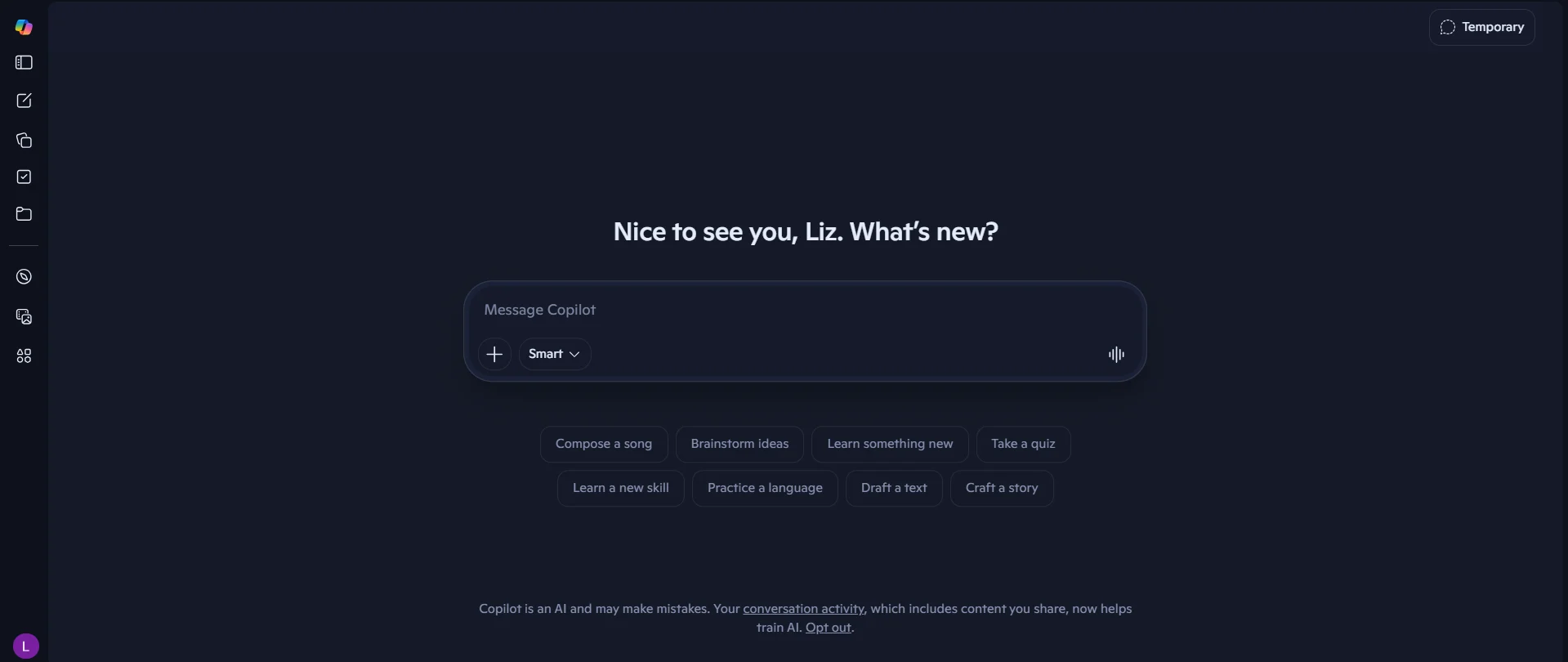
Microsoft Copilot centers on the information and workflows connected to Microsoft 365. This AI tool can use permitted work data from Microsoft Graph, including email, documents, meetings, and other organizational context, to generate responses grounded in what a user can access.
Copilot keeps AI close to the work itself. It can turn meeting context into follow-up work, pull information from company files into a draft, or use existing data to support analysis without asking users to rebuild the context in a separate chat. Microsoft also supports custom agents for companies that want Copilot to handle more specialized internal workflows.
Standout features
- Microsoft 365 Copilot Chat
- Word integration
- Excel analysis and formula assistance
- PowerPoint creation
- Outlook and Teams assistance
- Organizational work-data grounding
- Agent creation through Copilot tools
Pricing
- Copilot Chat: Included with eligible Microsoft 365 subscriptions
- Microsoft 365 Copilot: $30 per user monthly with annual billing
- Monthly billing on an annual term: $31.50 per user
- Qualifying Microsoft 365 subscription: Required for the full workplace experience
Visit Microsoft Copilot’s pricing page for more details.
Pros and cons
Pros | Cons |
| Works directly inside widely used Microsoft business applications | Additional Microsoft 365 licensing necessary to access full capabilities. |
| Can use organizational information under existing permissions | Available features depend on licenses and tenant configuration |
| Teams and Outlook integration suits communication-heavy work |
Our verdict: Microsoft Copilot is a natural fit when Word, Excel, PowerPoint, Outlook, and Teams form the center of your workday. Organizations can use it to bring AI into existing Microsoft data and workflows rather than treating it as a separate destination.
Standalone users with little investment in Microsoft 365 get less from its main advantage. ChatGPT or Claude offers greater flexibility across unrelated tasks.
Mistral Vibe: Best for enterprise control and private deployment

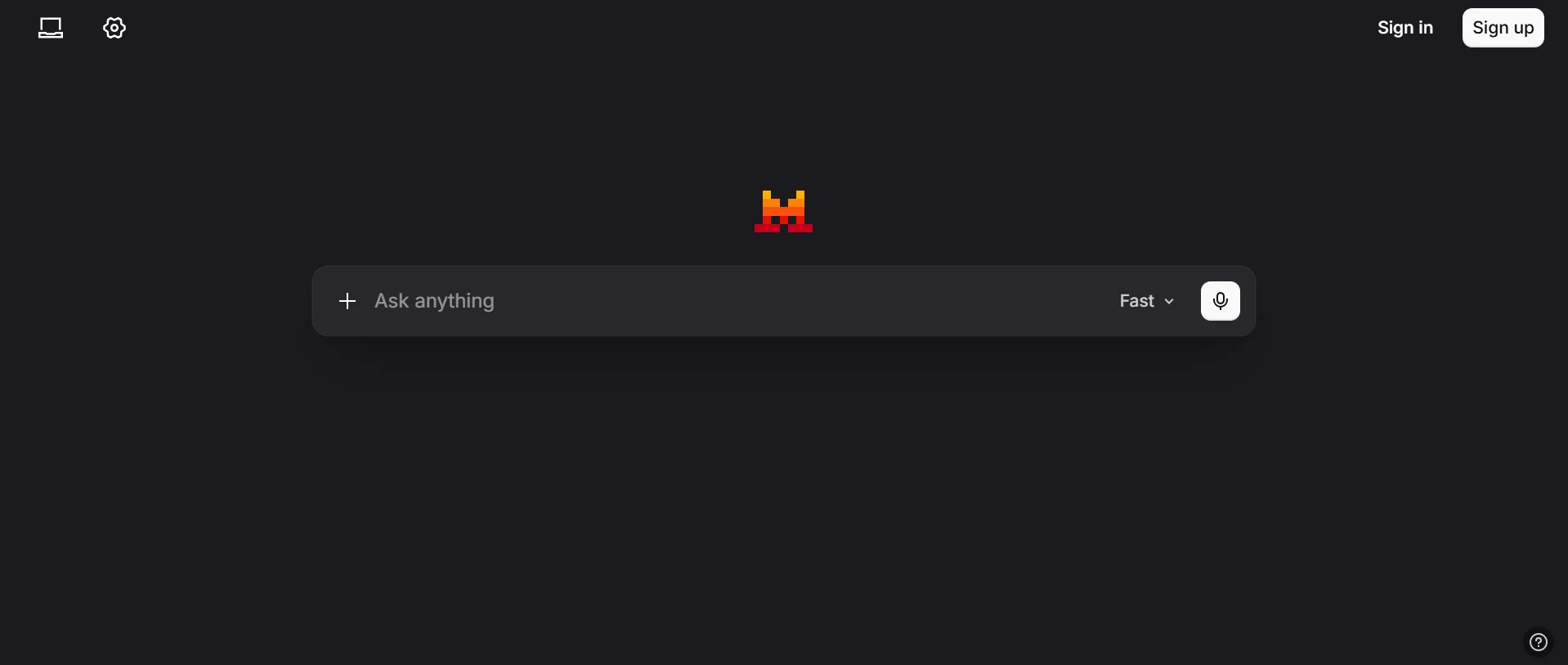
Mistral Vibe combines separate Work and Code modes. It can handle multi-step tasks across business tools and move coding work between web, IDE, and command-line environments.
Deployment flexibility separates it from many consumer-first assistants. Enterprise customers can run Vibe through Mistral Cloud, private cloud, or on-premises infrastructure, and coding deployments can use local models when workloads need to remain closer to company infrastructure.
Standout features
- Work Mode for multi-step business tasks
- Code Mode across web, IDE, and CLI
- More than 100 connectors
- Scheduled and agent workflows
- On-premises and private-cloud deployment
- Local model and offline coding options
Pricing
- Free: $0
- Pro: $14.99 per month
- Team: $24.99 per user monthly
- Enterprise: Custom pricing
Visit Mistral Vibe’s pricing page for more details.
Pros and cons
Pros | Cons |
| Private-cloud and on-premises deployment give enterprises more control | Advanced deployment options need enterprise planning and infrastructure |
| Work and coding modes cover two major professional workflows | Local deployments have more technical setup |
| Pro pricing is lower than many $20 individual plans | Free and Pro users must opt out if they do not want eligible content used for model training |
Our verdict: Mistral Vibe is a solid option for organizations that want more control over where their AI software and models run. Private-cloud, on-premises, and local deployment options make it well suited to teams with stricter infrastructure or data requirements.
Gemini or Copilot is a better fit when deep productivity-suite integration is the bigger priority.
Perplexity: Best for source-backed web research

Perplexity is built around finding and tracing information, but its research workflow goes well beyond a single search. It searches the web in real time, cites sources, works with uploaded files, and lets paid users choose among several AI models depending on the task.
Pro Search handles complex questions that require multiple searches and deeper synthesis. Research mode takes on longer investigations, and Spaces can organize related threads, files, and instructions around an ongoing topic. Business plans can also bring internal company knowledge into the research process, turning Perplexity into more of a working research environment than a simple answer engine.

Standout features
- Web search built into responses
- Citations and original-source links
- Pro Search
- Research mode
- Multiple model choices on paid plans
- File analysis
- Enterprise knowledge tools
Pricing
- Free: $0
- Pro: $20 per month
- Max: $200 per month
- Enterprise Pro: $40 per seat monthly or $400 annually
- Enterprise Max: $325 per seat monthly or $3,250 annually
Visit Perplexity’s pricing page for more details.
Pros and cons
Pros | Cons |
| Citations and original-source links are built into the core search experience | Citations still need to be checked against the underlying source |
| Research modes can handle questions that require information from many web pages | Max pricing is considerably higher than the standard Pro tier |
Our verdict: Perplexity could be suitable for you when your research starts on the open web, and you need to trace claims back to their sources. It keeps discovery and verification close to the answer, which is important when you are comparing information or building research from several references.
Compared with ChatGPT, Perplexity emphasizes web search and source visibility. ChatGPT is better suited to work that continues into broader creation, coding, or analysis.
Poe: Best for access to multiple AI models

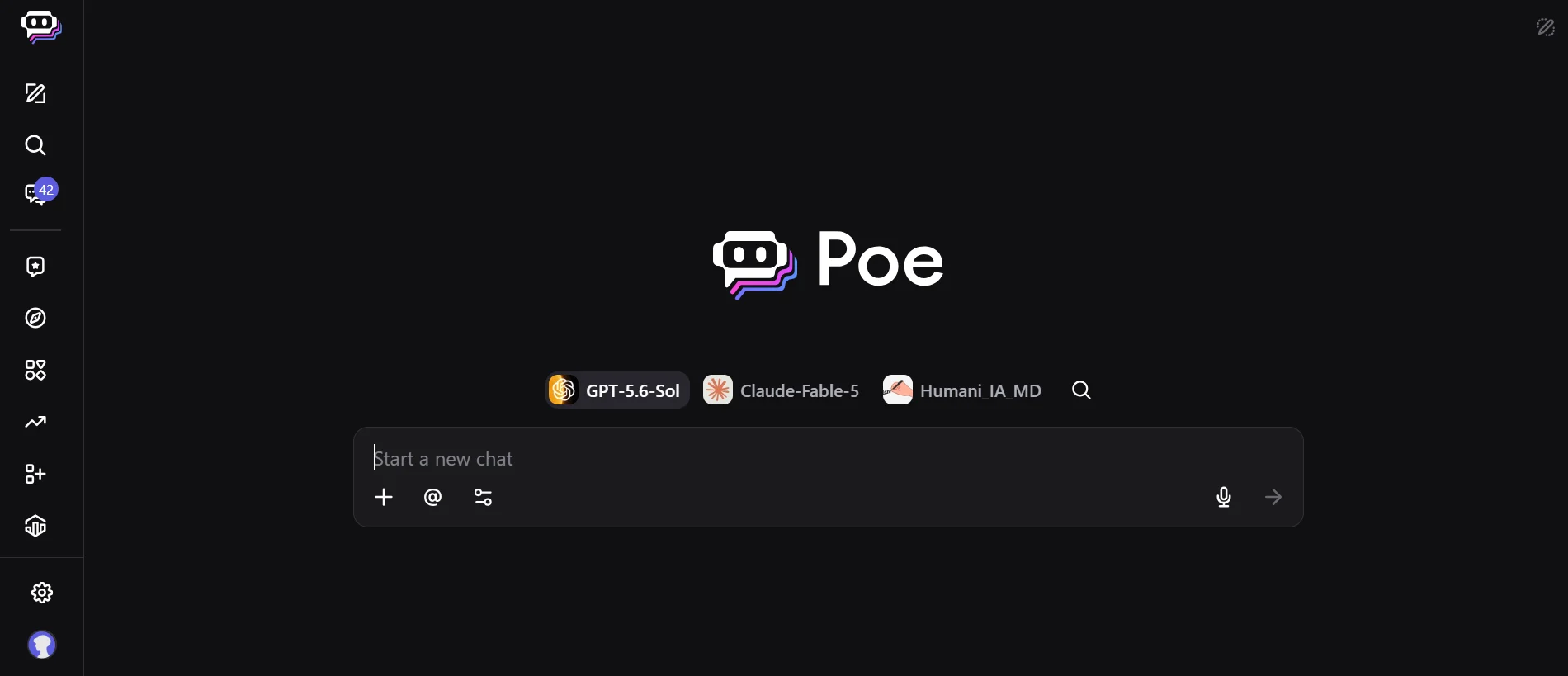
Poe makes model choice part of the product. One account can access models from OpenAI, Anthropic, Google, xAI, and other providers, then switch among them depending on the task. Its catalog also goes beyond text chat, with image, video, audio, coding, and millions of user-created bots available in the same service.
Usage runs through a shared compute-point system. Poe's subscription structure gives paid users higher limits and access to full context windows of up to 2 million tokens on supported bots. Users can also create their own bots and AI apps, so Poe can serve both as a place to compare models and a way to build more specialized AI tools.
Standout features
- Models from multiple AI providers
- Shared compute-point system
- Text, image, video, and audio models
- User-created bots and apps
- Large-context models where supported
- Developer access through Poe services
Pricing
- Free: Limited access
- Paid plans: Start at $4.99 per month
- Higher tiers: Include larger compute-point allowances
Visit Poe’s pricing page for plan details.
Pros and cons
Pros | Cons |
| Lets users try several model providers without maintaining many subscriptions | High-end models can consume compute points quickly |
| Switching models is easy inside one account | Unused points generally do not roll over |
| Includes more than text-only AI models | Poe does not reproduce every native feature offered by each provider |
Our verdict: Poe is a practical option if you want several leading models under one subscription and like comparing how they handle the same work. It's best for people who switch providers based on the task or want to try new models without managing separate paid accounts.
Provider-specific tools are the main tradeoff. ChatGPT, Claude, Gemini, and Grok retain first-party features and integrations that Poe does not fully reproduce. If those tools are central to your workflow, using the original assistant will give you a more complete experience.
Choosing the right AI chatbot
Start with the work you expect the chatbot to handle most often. Research, coding, workplace tasks, content creation, and social discovery call for very different capabilities.
- Match the tool to the task. Look for features you will actually use, such as web research, file analysis, coding, or agent tools.
- Check your existing software. Native connections to email, documents, cloud storage, and workplace apps can reduce how often you need to move information between services.
- Review access and limits. Compare included models, usage caps, file or context limits, and which advanced tools need an upgrade.
- Consider privacy and deployment. Business users should check data handling, administrative controls, and private deployment options.
- Compare the full cost. Free access may cover occasional use, but frequent research or advanced work may need a higher tier.
Shortlist the assistants that fit your main workflow first, then compare what their free or lowest paid plans actually include. Extra features are only worth paying for when they support work you expect to do regularly.
Picking an assistant for the work ahead
No single chatbot owns every type of work in 2026. As these products take on research, coding, workplace actions, and longer-running tasks, the differences between them are becoming more consequential than the basic ability to hold a conversation.
Expect those differences to keep growing as assistants gain new models, integrations, and ways to act on a user's behalf. The best option today may not stay that way, but knowing what you need from an assistant gives you a much better place to start.
If you're looking for AI built specifically for customer conversations, see our guide to the top conversational AI platforms.